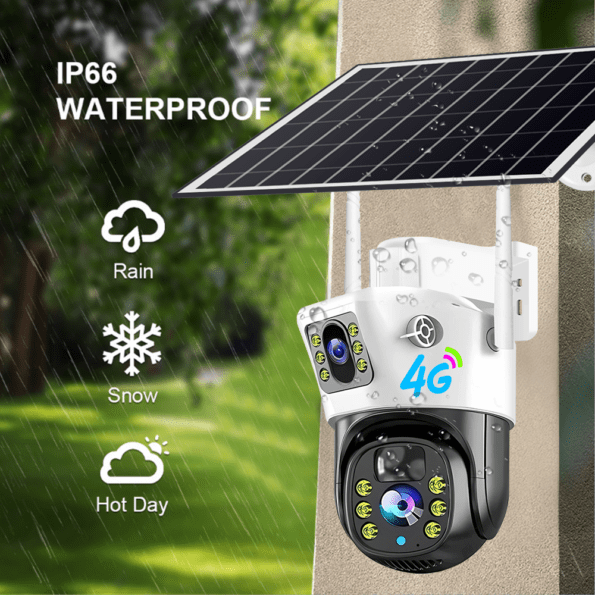
4G V380 Solar Two Lens Night Vision Panoramic IP PTZ Battery CCTV Camera
4Lite Smart LED ST64 Amber Filament Bulbs 6.5w BC Wifi Dimmable – 3 Pack
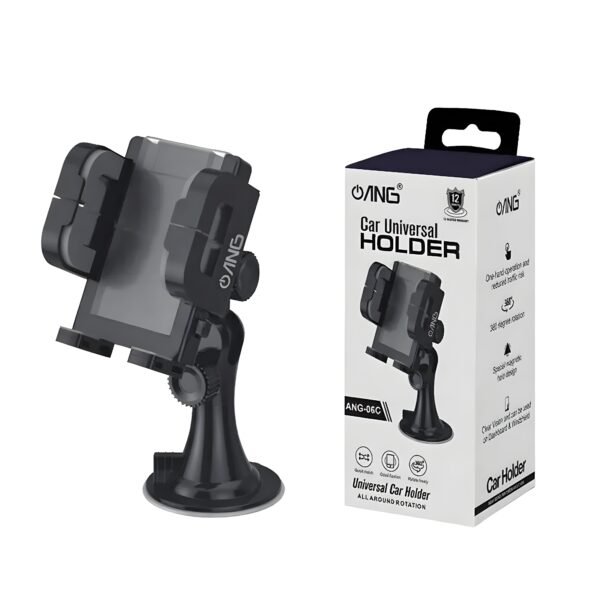
ANG 06-A Universal Long Neck Car Holder Black
ANG 06-C Universal Short Neck Car Holder Black
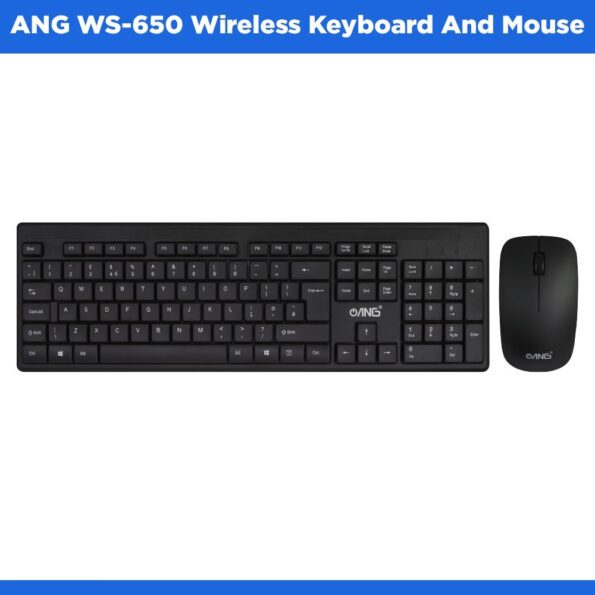
ANG HK8100 – Wireless Keyboard And Mouse Combo
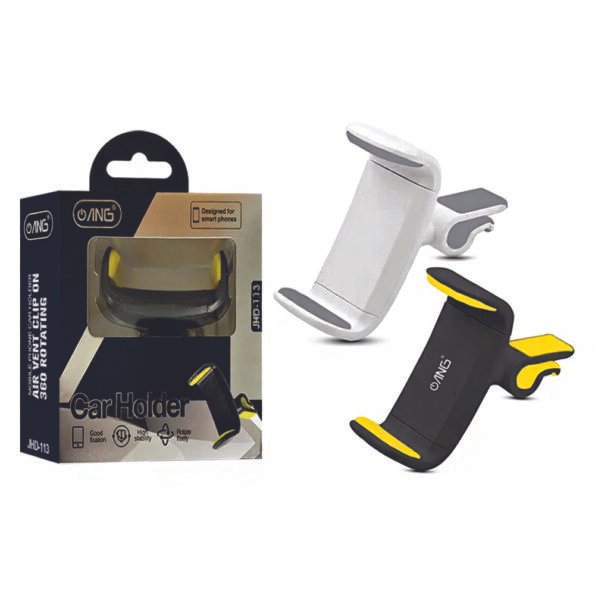
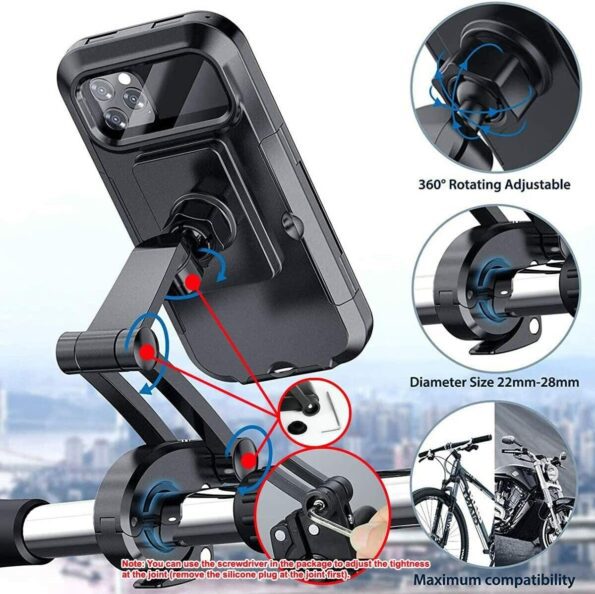
ANG JHD113 – 360 Rotating Air Vent Car Holder
ANG M40 – Wireless Bluetooth Speaker
Discover the Perfect Keyboard for Speed, Comfort, and Control
Keyboards are the gateway to every digital task, turning your thoughts into action with every keystroke. Whether you’re typing reports, navigating creative software, coding, or gaming, the right keyboard enhances speed, comfort, and accuracy. From slim, low-profile models for minimal setups to full-sized mechanical boards built for precision, there’s a perfect fit for every workflow. Lightweight portable keyboards are ideal for mobile professionals, while durable, ergonomic options provide long-term support during heavy daily use. Versatile connectivity choices, USB, wireless, and Bluetooth, ensure compatibility with laptops, desktops, tablets, and even mobile devices.
Choosing the ideal keyboard goes beyond the layout. It’s about finding the switch type, responsiveness, connectivity, and build quality that match your needs. Modern keyboards combine efficiency with comfort, offering customizable features, quiet or tactile typing experiences, and long-lasting materials. With improved technology, backlit keys, and smart shortcuts, they help you work, create, and play with greater ease.
The Newest Features Shaping Today’s Keyboards
Today’s keyboards are built for adaptability and premium performance. Mechanical options now offer a wider range of switch styles, from ultra-silent to crisp and clicky, for a personalized typing feel. Wireless models deliver stronger connections, lower latency, and longer battery life for clutter-free setups. Many keyboards include multi-device pairing, allowing seamless switching between computers, tablets, and phones. RGB and customizable lighting elevate aesthetic appeal for gaming or professional workstations. Enhanced durability, reinforced frames, spill-resistant designs, and programmable keys add convenience, reliability, and longevity for everyday use.
Why a Good Keyboard Matters More Than You Think
A dependable keyboard boosts productivity, reduces strain, and ensures accurate input across all tasks. High-quality keys register inputs reliably without missed presses, while stable switches and sturdy construction improve comfort during long sessions. Poor-quality keyboards can cause typing fatigue, inconsistent performance, or premature wear. Choosing a premium keyboard not only improves daily efficiency but also protects your hands, supports your posture, and provides a smoother digital experience, whether you’re working, studying, gaming, or browsing.
Essential Guide to Keyboards: What to Know Before You Buy
Types of Keyboards
Mechanical Keyboards:
For precision, durability, and customizable switch options—great for gamers, writers, and professionals.
Membrane Keyboards:
Quiet, lightweight, and budget-friendly, ideal for everyday tasks.
Ergonomic Keyboards:
Designed to reduce strain on wrists and hands for long typing sessions.
Wireless & Bluetooth Keyboards:
Offer flexible placement, clutter-free desks, and multi-device compatibility.
Compact / 60% / Tenkeyless (TKL) Keyboards:
Smaller layouts for minimalist setups, travel use, or improved mouse space.
Gaming Keyboards:
Built with fast response times, RGB lighting, programmable keys, and anti-ghosting features.
How to Choose the Right One
Typing Feel:
Select mechanical switches (linear, tactile, or clicky) or membrane keys depending on your comfort and preference.
Connectivity:
Choose wired for stability or wireless/Bluetooth for portability and cleaner setups.
Layout & Size:
Decide between full-size, TKL, or compact designs based on desk space and functionality needs.
Build Quality:
Look for reinforced frames, high-quality keycaps, and durable switches rated for millions of keystrokes.
Tips for Using Keyboards
- Keep your keyboard clean to maintain smooth key operation.
- Use a wrist rest to reduce strain during extended typing.
- Avoid eating or drinking near your keyboard to prevent spills or debris buildup.
- Store wireless keyboards safely to protect them during travel.
- Replace worn keycaps or switches to extend the life of mechanical keyboards.
Final Words
A high-quality keyboard is essential for productivity, comfort, and long-term performance. Whether you need a fast and responsive mechanical board, a quiet and compact wireless model, or an ergonomic design for daily comfort, there’s a keyboard that fits your exact needs. Explore the full range of computer accessories today and experience better control, smoother typing, and a more enjoyable digital workflow every day.
Frequently Asked Questions (FAQs)
1. What type of keyboard is best for everyday use?
For general typing, browsing, and office tasks, a membrane or low-profile keyboard is comfortable, quiet, and budget-friendly. If you prefer a more responsive feel, a mechanical keyboard with tactile switches is a great upgrade.
- Are mechanical keyboards better than membrane keyboards?
Mechanical keyboards usually offer better durability, faster response times, and customizable switch options. Membrane keyboards, however, are quieter, lighter, and more affordable. The best choice depends on your preferences and budget.
- What do keyboard switch types mean?
Switch types determine how a key feels and sounds.
- Linear switches: Smooth and quiet with no bump.
- Tactile switches: Gentle bump for feedback.
- Clicky switches: Audible click with each press.
Choosing the right switch depends on whether you want silence, feedback, or a classic clicky feel.
- Should I choose a wired or wireless keyboard?
- Wired keyboards offer stable connections and zero input lag—ideal for gaming or fast typing.
- Wireless keyboards reduce desk clutter and offer flexibility, especially for remote work or portable setups.
- What size keyboard should I buy?
- Full-size: Includes number pad; great for finance, office work, or heavy typing.
- Tenkeyless (TKL): No number pad; more compact and ergonomic.
- 60% / Compact: Minimal design for small desks or travel.
Choose based on your workflow and available space.