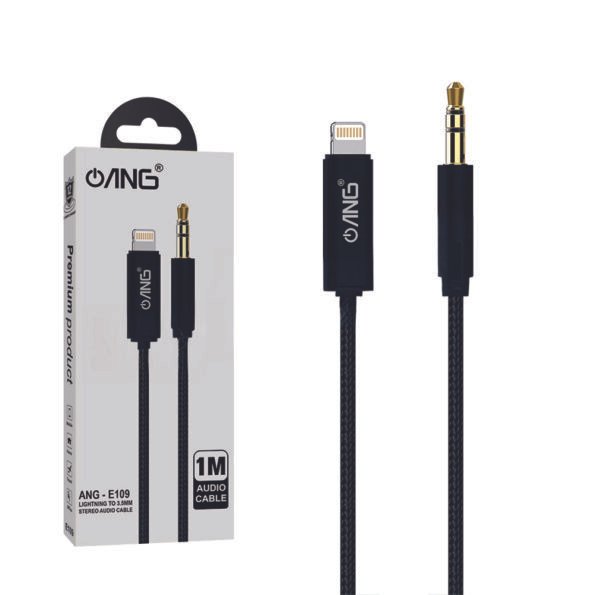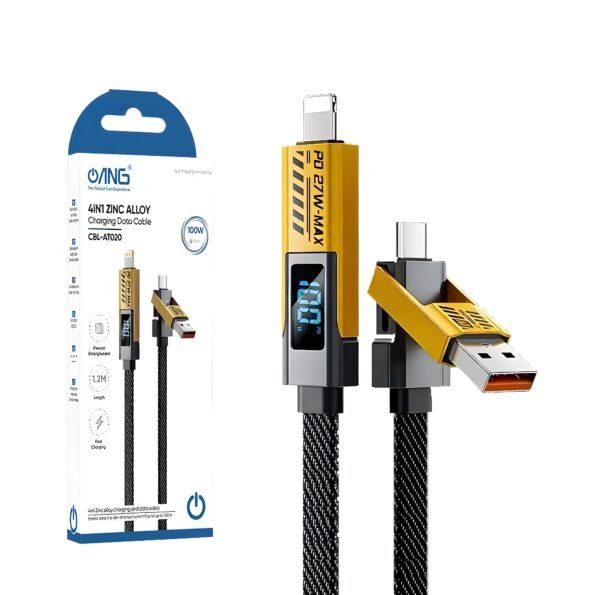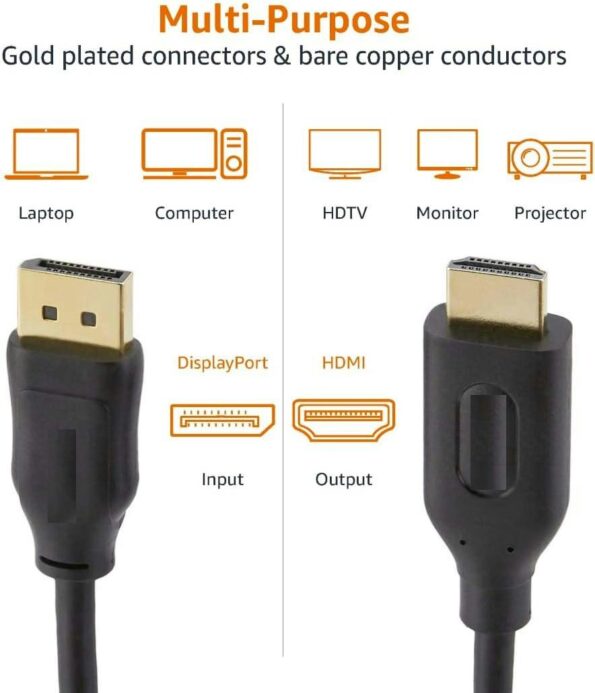
Cables & Adapters

Showing 1–20 of 57 results

Select options This product has multiple variants. The options may be chosen on the product page
Add to Wishlist
Add to Wishlist

Adapter Type-C to HDMI | HOCO

£10.99
Add to Wishlist
Add to Wishlist
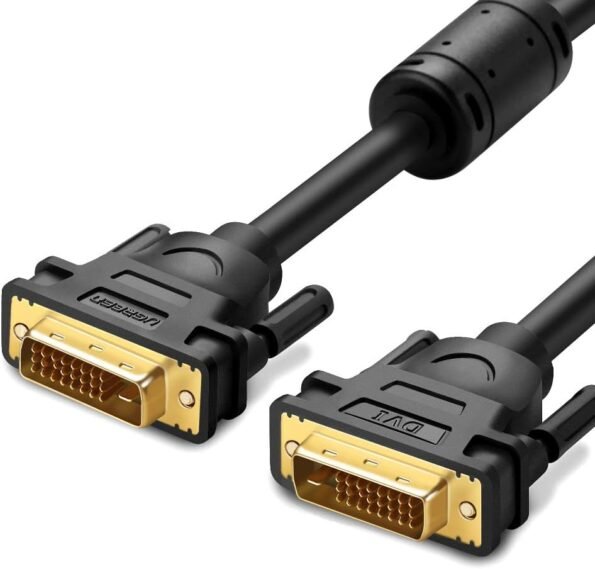
DVI Multimedia Interface Cable
Select options This product has multiple variants. The options may be chosen on the product page
Add to Wishlist
Add to Wishlist

DVI To DVI Cable For Multimedia Interface

Price range: £5.99 through £7.99
Add to Wishlist
Add to Wishlist

Cables & Adapters

Stay connected, charge your devices, transfer data and connect your screens with reliable cables and adapters from i-Tech Groups. Our range includes USB-C cables, USB charging cables, HDMI cables, audio cables, power adapters, USB hubs, converters and other essential connectivity accessories for everyday technology.

Whether you need a replacement charging cable, a cable for your computer or monitor, an HDMI connection for your TV, or an adapter to connect devices with different ports, choosing the right accessory can make a noticeable difference. Our cables and adapters are suitable for a wide range of smartphones, tablets, laptops, computers, monitors, TVs, gaming devices, speakers and other electronic equipment.

Shop Cables & Adapters in the UK

Finding the right cable or adapter starts with understanding what your device needs. Different devices use different connector types, charging standards, data speeds and display technologies. A compatible cable provides a stable connection, while the right adapter can help connect devices that use different ports.

At i-Tech Groups, you can find practical connectivity accessories for home, office, entertainment, travel and everyday use. From compact adapters that are easy to carry to durable cables designed for regular use, our range helps you keep your devices connected and ready to use.

Our Range of Cables & Adapters

USB-C, USB-A & Charging Cables

USB cables are widely used for charging, data transfer and connecting electronic devices. USB-C cables are increasingly common across smartphones, tablets, laptops and other modern devices, while USB-A remains widely used with computers, chargers and peripherals.

When choosing a charging or data cable, check the connector type and make sure the cable supports the charging speed and data-transfer requirements of your device.

HDMI & Display Cables

HDMI cables provide a convenient way to connect devices such as laptops, desktop computers, TVs, monitors, projectors and gaming consoles. Depending on the cable and connected equipment, HDMI can carry both digital video and audio through a single connection.

For high-resolution displays, check the cable's supported bandwidth, resolution, refresh rate and other required features before purchasing.

Audio Cables

Audio cables such as AUX, RCA and optical cables are useful for connecting headphones, speakers, sound systems, TVs and other audio equipment.

The correct cable depends on the ports available on your devices. Checking the connector type before buying can help ensure a secure and compatible connection.

Power Adapters & Charging Accessories

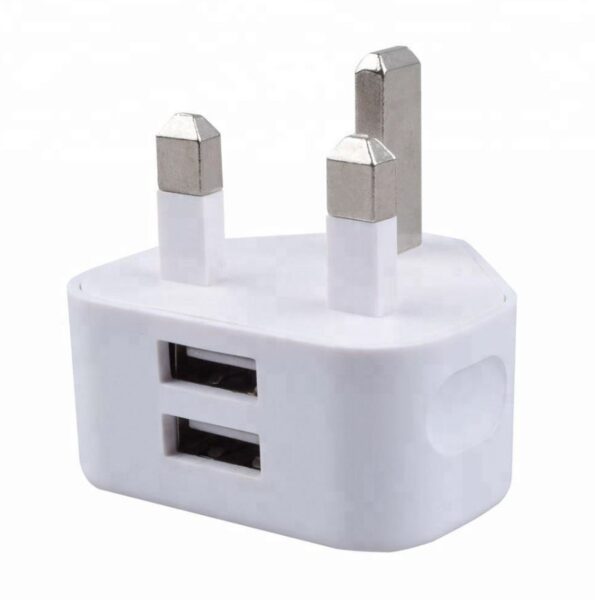
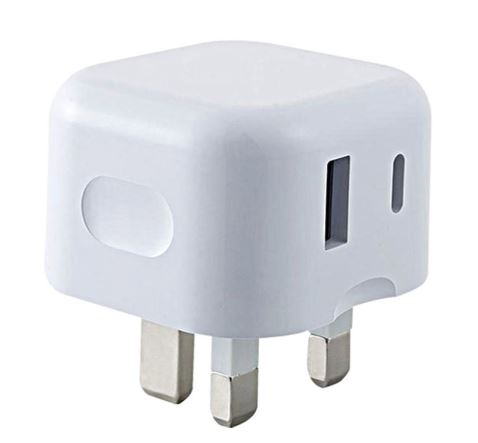
Power adapters and charging accessories provide the power your electronic devices need. Choosing the correct output voltage, current and wattage is important for safe and reliable charging.

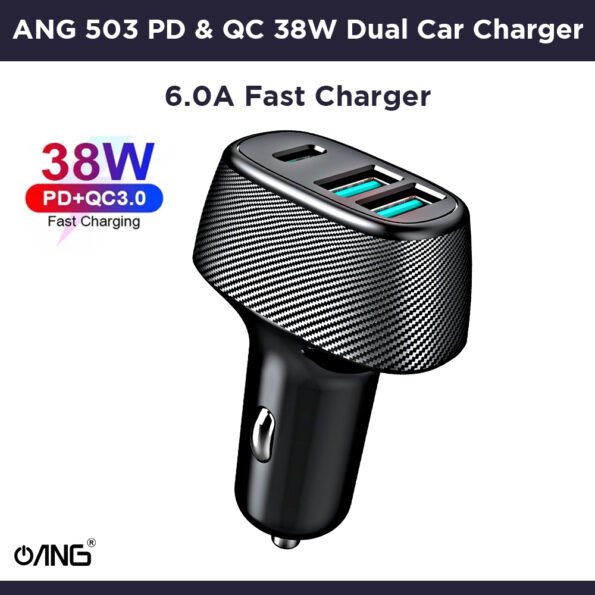
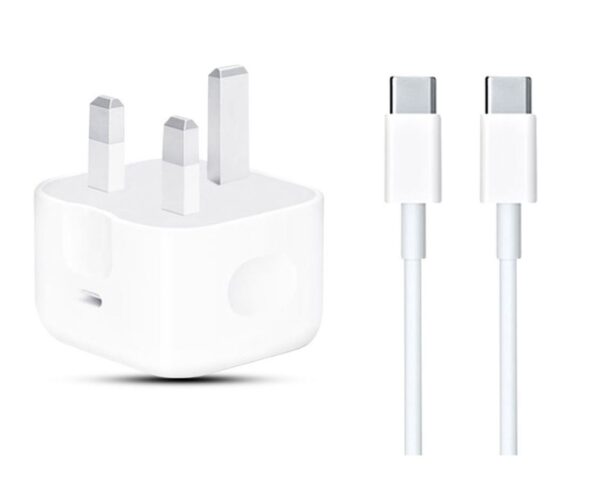
For compatible devices, USB Power Delivery and other fast-charging technologies can provide higher charging speeds when the charger, cable and device all support the required standard.

USB Hubs & Multi-Port Adapters

A USB hub or multi-port adapter can expand the connectivity of a laptop or computer by providing additional ports. Depending on the model, hubs can include USB ports, HDMI, Ethernet, SD card readers and other connections.

They are particularly useful for modern laptops and compact computers where the number of built-in ports may be limited.

Converter Adapters & Connectors

Adapters and converters can help connect devices that use different connector types or interfaces. Examples include USB-C to USB-A, USB-C to HDMI and other commonly used configurations.

Always check the specifications of both devices before purchasing because some connections require more than simply changing the physical connector.

How to Choose the Right Cable or Adapter

Check Compatibility

Start by checking the ports on both devices. Make sure the connector type and supported standard are compatible with your equipment.

Consider Charging Speed

If you are buying a charging cable or adapter, check the required wattage and charging standard. A fast charger cannot necessarily provide its maximum charging speed unless the connected device and cable also support it.

Check Data Transfer Requirements

If you regularly move large files, photos or videos, look for a cable that supports the required data-transfer speed. Not every cable with the same connector provides the same performance.

Choose the Right Display Cable

For monitors, TVs and projectors, consider the resolution, refresh rate and other display features you need. Check the specifications of both the source device and display before selecting a cable.

Select a Suitable Length

Choose a cable length that suits your setup. Shorter cables can reduce clutter around desks and charging areas, while longer cables can be useful for TVs, workstations and other setups where devices are positioned further apart.

Look for Durable Construction

If a cable will be used frequently, consider features such as reinforced connectors, flexible materials and braided outer protection. These features can provide additional resistance to everyday bending and wear.

Why Quality Cables & Adapters Matter

A cable or adapter may be a small part of your setup, but it plays an important role in keeping devices connected and powered. A suitable cable can provide reliable charging, stable data transfer or consistent audio and video connections.

Poor-quality or incompatible accessories can result in slow charging, intermittent connections, unreliable data transfer or display problems. Choosing a cable or adapter that matches your device specifications can help provide a more dependable everyday experience.

Cables & Adapters for Home, Office and Everyday Use

The right connectivity accessories can make a wide range of setups easier to manage. Use charging cables to keep smartphones and tablets powered, HDMI cables to connect displays, audio cables to connect sound equipment, and USB hubs to expand computer connectivity.

For home offices, gaming setups and entertainment systems, selecting cables according to your devices and required performance can also help reduce unnecessary adapters and cable clutter.

For travel, compact charging cables and multi-port adapters can provide convenient connectivity without taking up much space. Keeping commonly used cables and adapters organised also makes it easier to connect your devices wherever you are.

Tips for Using Cables & Adapters

  • Avoid sharply bending cables, particularly close to the connectors.
  • Disconnect cables by holding the connector rather than pulling the cable itself.
  • Keep charging and data cables clean and dry.
  • Avoid using damaged cables with exposed wires or loose connectors.
  • Check the required charging wattage before connecting a power adapter.
  • Match HDMI and display cables to the resolution and refresh rate you need.
  • Store spare cables and adapters carefully to prevent unnecessary bending and damage.
  • Check compatibility before purchasing an adapter or converter.

Shop Cables & Adapters from i-Tech Groups

From everyday charging cables and USB accessories to HDMI connections, power adapters, hubs and converters, the right cable can help your devices work together smoothly.

Explore the Cables & Adapters range at i-Tech Groups to find practical connectivity accessories for smartphones, computers, laptops, TVs, monitors, gaming equipment and other electronic devices.

For more computer related products explore our computer accessories category.

FAQs About Cables & Adapters

What is the difference between USB-A and USB-C?

USB-A is a traditional rectangular USB connector that is still commonly found on computers, chargers and other peripherals. USB-C is a smaller, reversible connector used by many modern smartphones, tablets, laptops and other devices. The capabilities of USB-C can vary, so check the specifications for charging, data and display support.

How do I know if a cable supports fast charging?

Check the cable specifications for its supported power rating and charging standards. Fast charging also depends on the charger and device. For example, a cable supporting USB Power Delivery can only provide the relevant charging performance when the connected charger and device support the required standard.

Can I use any HDMI cable for 4K or 8K?

HDMI cables have different performance capabilities. For high-resolution video, check the cable's certified category, bandwidth and supported resolution, refresh rate and features. Your source device and display must also support the required HDMI features.

What is the difference between an adapter and a converter?

An adapter generally allows two physically different connectors or ports to connect. A converter may also change or convert a signal or interface between different technologies. The exact requirements depend on the devices and connection you are trying to make.

Are braided cables more durable?

Braided cables can provide additional protection against everyday bending and surface wear. However, durability also depends on the cable's internal construction, connectors and strain relief.

Why is my device not charging with a new cable?

There can be several reasons, including an incompatible cable, insufficient charging capability, a faulty charger, a damaged connector or debris inside the device's charging port. Try the cable with another compatible charger or device to help identify the problem.

Can a USB-C cable transfer data and video?

Not every USB-C cable supports the same functions. Some USB-C cables are designed mainly for charging, while others support higher-speed data transfer or video output. Check the cable and device specifications to confirm the features you require.