Cables/Adapters
No products were found matching your selection.

Stay Connected and Efficient with High-Quality Cables and Adapters

Cables and adapters are the quiet workhorses behind every smooth digital experience. Whether you're syncing data, charging devices, connecting displays, or linking audio equipment, the right cable ensures strong performance and consistent reliability. From durable USB-C leads to lightweight travel adapters and high-speed HDMI cables, there’s a perfect option for every device and setup. Slim, flexible cables fit effortlessly into daily routines, while reinforced, braided versions offer added resilience for heavy use. Versatile adapters bridge compatibility gaps, allowing you to connect older devices with modern ports, expand your workstation, or streamline your tech accessories.

Choosing the best cable or adapter goes beyond picking a design, it’s about understanding compatibility, data transfer speeds, power requirements, and build quality. Modern cables and adapters combine efficiency with longevity, making your devices simpler to use and your work or entertainment setup more functional. With smart features, fast charging support, and sturdy materials, they keep your tech running smoothly wherever you go.

What’s New in Today’s Cables and Adapters

Today’s cables and adapters are built for enhanced performance and adaptability. Many feature fast-charging support, including USB Power Delivery for smartphones, tablets, and laptops. High-speed data cables now offer faster transfer rates for media editing, backups, and large file management. HDMI and DisplayPort cables support higher resolutions and refresh rates for gaming and professional displays. Multi-functional adapters combine multiple ports, USB, HDMI, Ethernet, SD card readers, into a single compact hub, making them ideal for travel or workstation upgrades. Improved protective braiding, heat-resistant connectors, and stronger joints ensure longer life even with frequent bending or plugging.

Why Quality Cables and Adapters Matter

Reliable cables and adapters keep your devices performing at their best. A high-quality charging cable ensures consistent power flow without overheating, while a dependable adapter maintains stable connections for displays, peripherals, or storage devices. Poor-quality accessories can cause slow charging, weak signals, or even damage ports over time. Investing in premium cables and adapters protects your devices, keeps your workflow uninterrupted, and ensures you always have a dependable connection whether you're working, streaming, gaming, or traveling.

Essential Guide to Cables & Adapters: What to Know Before You Buy

1. Types of Cables and Adapters

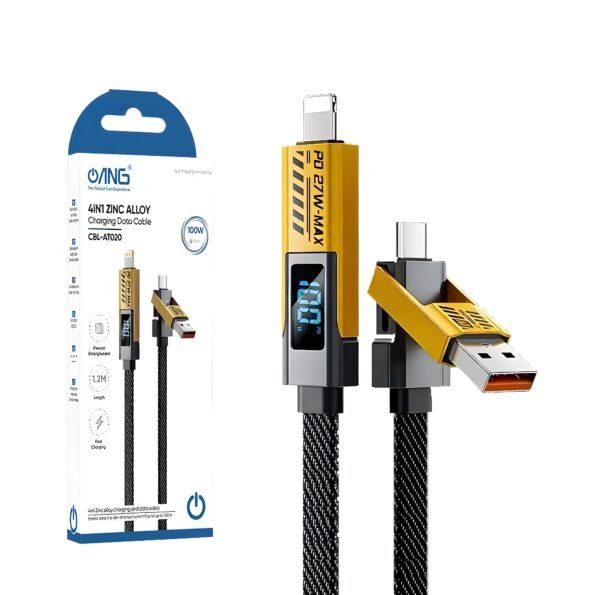
USB-C / Lightning / Micro USB Cables:
For charging, syncing data, and connecting a wide range of devices.

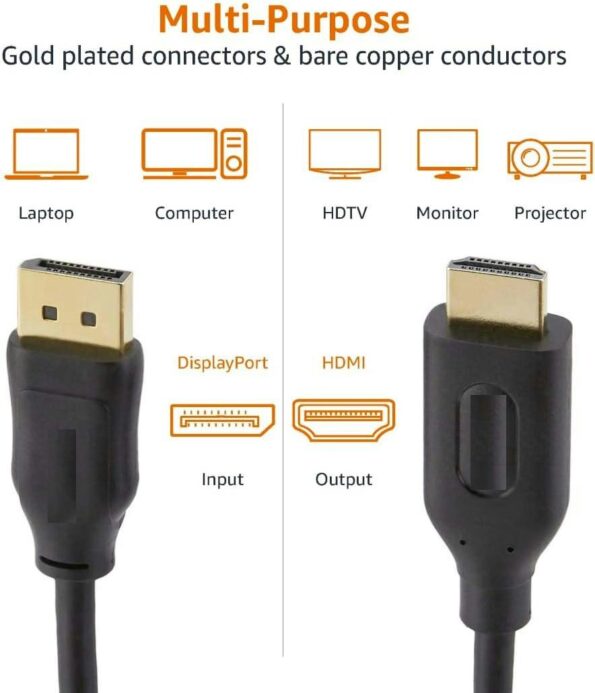
HDMI and Display Cables:
Perfect for linking monitors, TVs, projectors, or gaming consoles with crisp video and audio.

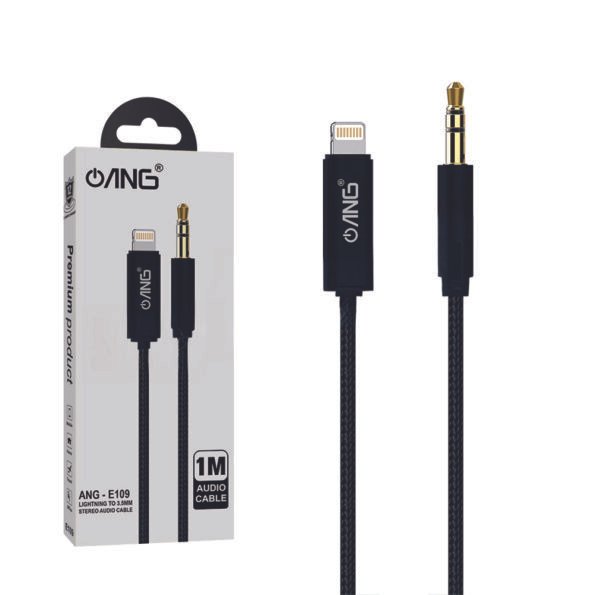
Audio Cables (AUX, Optical, RCA):
Designed for speakers, headphones, home theaters, and studio equipment.

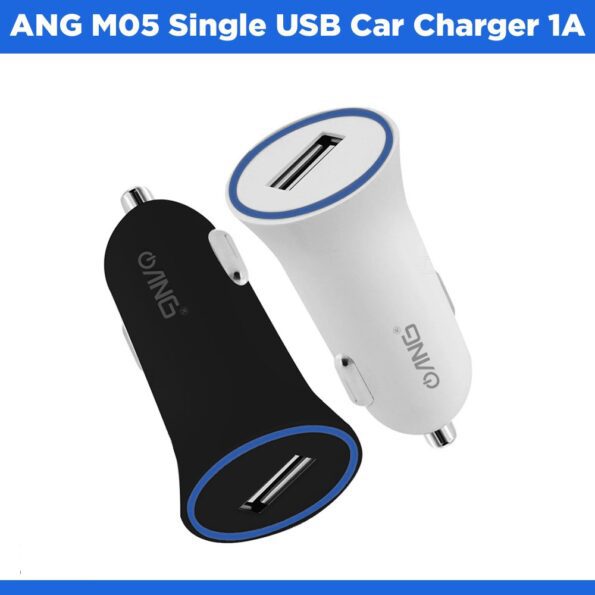
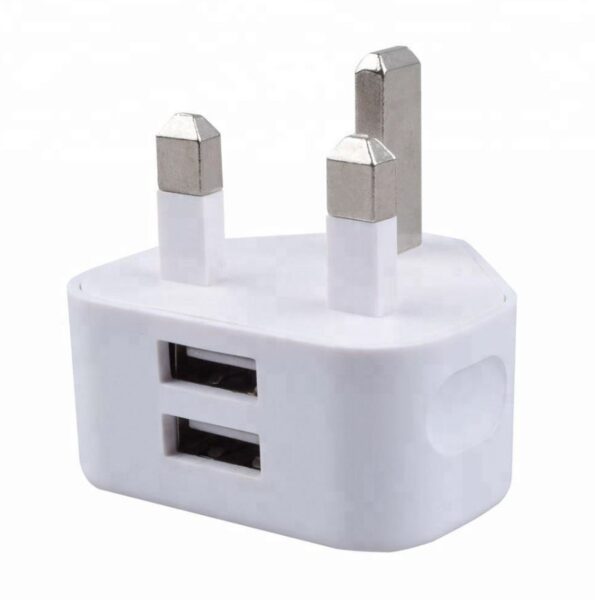
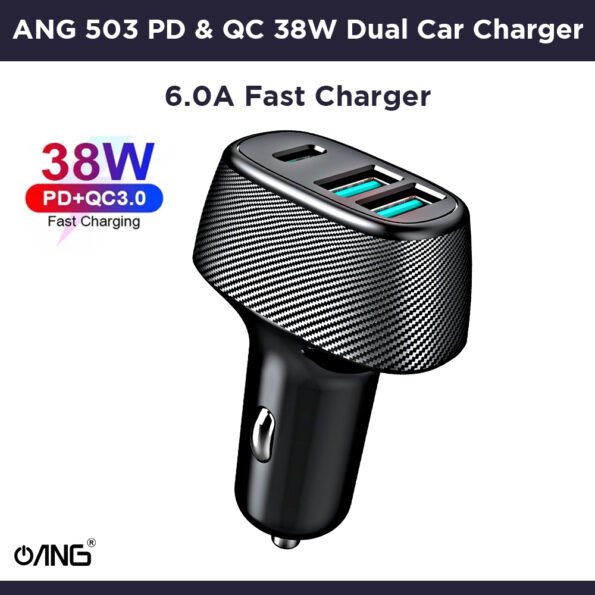
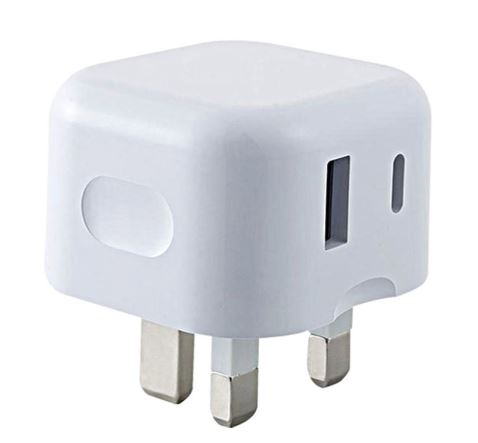
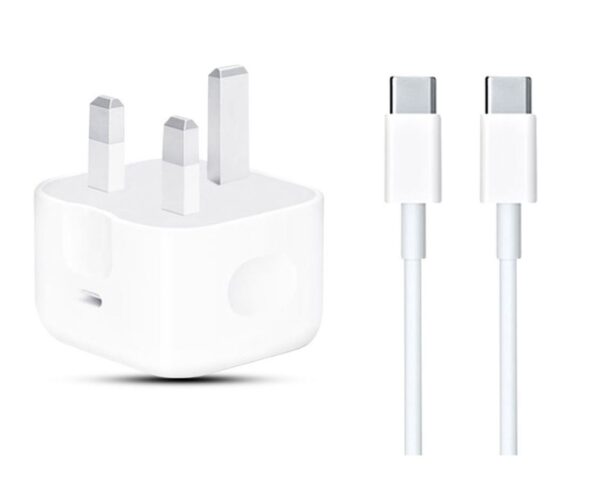
Power Adapters & Charging Bricks:
Provide the right wattage for fast, safe charging.

Multi-Port Adapters / Hubs:
Expand your device with additional USB ports, SD card slots, HDMI outputs, and more.

Converter Adapters (USB-C to HDMI, USB-A to USB-C, etc.):
Help older and newer devices communicate seamlessly.

2. How to Choose the Right One

Compatibility:
Ensure the cable or adapter matches your device’s port type and supported standards.

Speed Requirements:
Choose higher-watt cables for fast charging, and high-bandwidth cables for 4K/8K video or fast data transfer.

Material & Durability:
Look for braided exteriors, reinforced connectors, and strong strain relief for long-term use.

Length & Flexibility:
Select the right length for your desk, car, or travel needs without extra clutter.

Extra Functions:
Consider multi-port hubs, fast-charging support, or cables designed for rugged environments.

3. Tips for Using Cables and Adapters

  • Keep cables neatly wrapped to avoid internal damage or fraying.
  • Avoid bending connectors sharply, especially near the ends.
  • Use the correct wattage charger to protect your devices and ensure proper charging speed.
  • Replace worn or loose cables immediately to prevent unstable connections.
  • Store adapters in a protective case to avoid dust, strain, or impact damage.

How Cables and Adapters Improve Your Tech Experience

The right cables and adapters make everyday technology more seamless and efficient. They ensure fast charging, stable connections, smooth video output, and reliable data transfers. Whether you're setting up a home office, upgrading a gaming station, traveling with minimal gear, or just keeping your devices charged on the go, quality accessories make everything easier. They eliminate compatibility barriers, enhance performance, and help your devices work together more intelligently.

Final Words

High-quality cables and adapters are essential for powering, connecting, and protecting your devices. Whether you need a durable charging cable, a high-speed HDMI link, or a versatile multi-port adapter, there’s a solution tailored to your tech setup. Explore the full range of computer accessories today and enjoy stronger connections, better performance, and hassle-free device use every day. 

FAQs – Cables & Adapters

  1. What’s the difference between USB-A, USB-C, and Lightning cables?
    USB-A is the traditional rectangular port found on older devices. USB-C is a newer, reversible connector used for fast charging and data transfer on most modern devices. Lightning is Apple’s proprietary connector used in iPhones and some iPads.
  2. How do I know if a cable supports fast charging?
    Check the cable’s supported power output (measured in watts). Look for cables labeled USB Power Delivery (PD) or Quick Charge (QC). Your device and charger must also support these standards for fast charging to work.
  3. Can I use any HDMI cable for 4K or 8K video?
    Not all HDMI cables are the same. For 4K, look for High-Speed HDMI or HDMI 2.0. For 8K, choose Ultra High-Speed HDMI or HDMI 2.1 cables to ensure proper bandwidth and performance.
  4. What’s the difference between an adapter and a converter?
    An adapter changes the physical connector (e.g., USB-C to USB-A), while a converter changes the signal type (e.g., HDMI to VGA). Using the wrong one may result in no output or poor performance.
  5. Are braided cables better than regular ones?
    Braided cables often last longer because they offer better protection against bending, fraying, and daily wear. They’re ideal for travel or heavy use.
  6. Why isn’t my device charging with a new cable?
    Possible reasons include incompatible wattage, a damaged connector, a faulty charger, or lint in the device’s port. Try testing the cable with another device or charger to narrow down the cause.