

Struggling With Weak WiFi? Here’s How a WiFi Repeater Can Fix

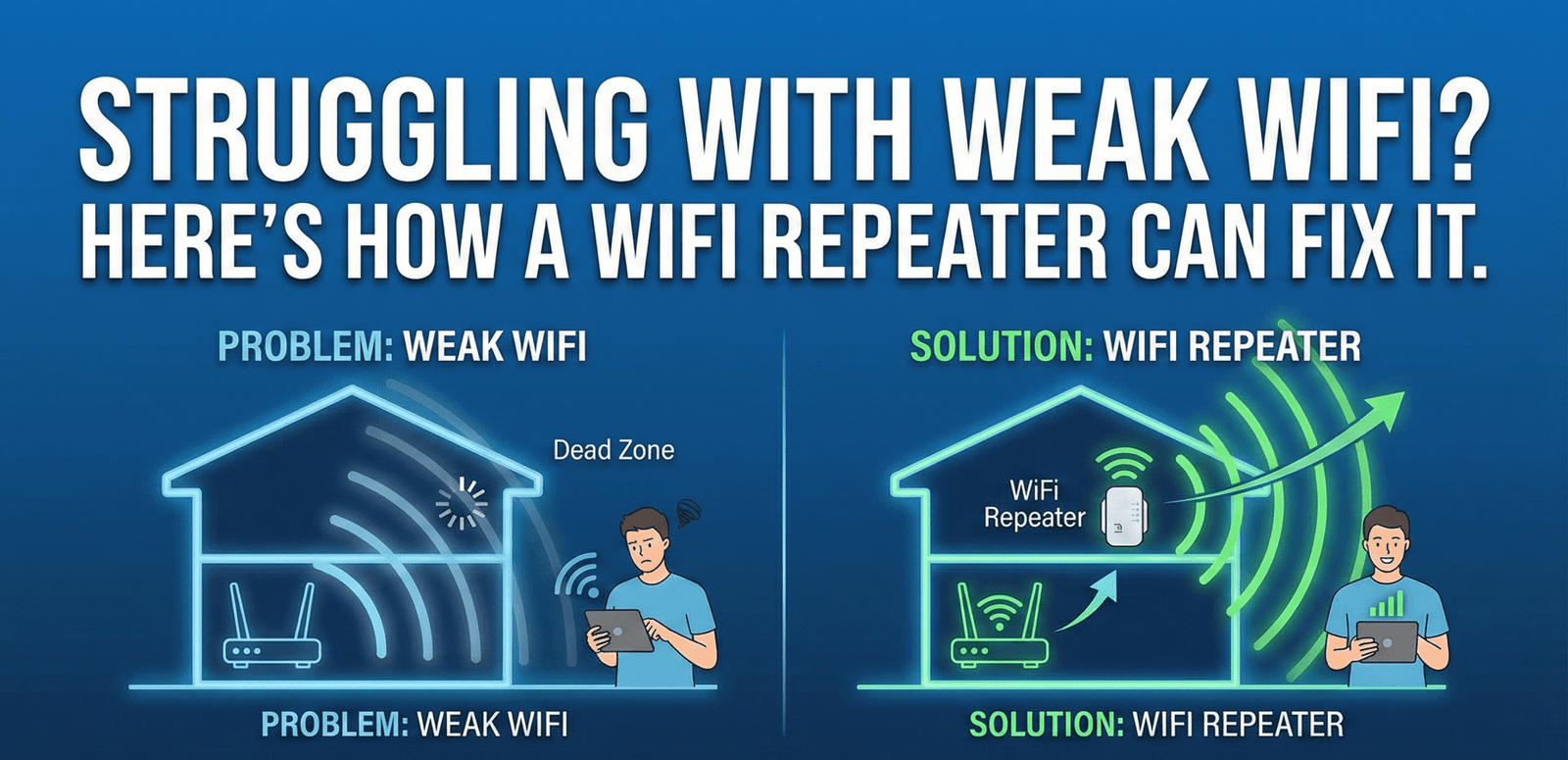
In today’s always-online world, a stable and fast internet connection is no longer optional, it’s essential. If you’re attending virtual meetings, streaming your favorite shows, gaming online, or managing smart home devices, uninterrupted WiFi plays a critical role in your daily life. Yet, despite having a good internet plan, many people still face frustrating WiFi dead zones where the signal drops, slows down, or disappears entirely.
If you’ve ever had to move closer to your router just to load a webpage, or noticed your WiFi struggling in certain rooms, you’re not alone. This common problem is often caused by distance, walls, interference, or poor router placement. Fortunately, there’s a simple and affordable solution: a WiFi repeater.
In this blog, we’ll break down everything you need to know about WiFi repeaters, what they are, how they work, their advantages and limitations, different types available, how to set them up correctly, real-world use cases, and practical tips for choosing the right one for your home or office. By the end, you’ll have a clear understanding of whether a WiFi repeater is the right solution for your connectivity needs.
How Does a WiFi Repeater Work?
A WiFi repeater works by acting as a bridge between your router and areas with weak or no signal. First, it receives the wireless signal from your main WiFi router. It then amplifies or regenerates that signal to maintain its strength and stability. Finally, the repeater retransmits the signal, extending WiFi coverage to distant rooms or hard-to-reach areas. Once the repeater is set up, devices located far from the router connect to it instead of the router directly, allowing them to access a stronger and more reliable internet connection even in previously unreachable zones.
Why WiFi Signals Become Weak
A WiFi repeater helps overcome these challenges by extending the signal beyond the router’s natural range, ensuring more consistent and reliable connectivity throughout your home or office. Before understanding why WiFi repeaters are needed, it’s important to know the common factors that weaken wireless signals. WiFi signals travel through the air, and many obstacles can reduce their strength and reliability:
- Thick walls and floors (concrete, brick, metal): Dense building materials absorb or block WiFi signals, making it difficult for them to pass through rooms or between floors.
- Long distance from the router: The farther a device is from the router, the weaker the signal becomes, leading to slower speeds and frequent disconnections.
- Interference from other wireless devices: Devices such as microwaves, cordless phones, Bluetooth gadgets, and neighboring WiFi networks can interfere with your signal and reduce performance.
- Large homes or multi-story buildings: WiFi routers have limited range, and in larger spaces, one router often isn’t enough to cover every room effectively.
- Poor router placement: Placing the router in corners, behind furniture, or near electronic equipment can significantly reduce signal strength and coverage.
Types of WiFi Repeaters
From basic models for everyday browsing to advanced options built for high-speed streaming and large spaces, understanding the types of WiFi repeaters helps you choose the right device for improving wireless coverage in your home or office. Below, we’ll discuss the different types of WiFi repeaters in detail to help you make an informed decision.
1. Single-Band WiFi Repeater
- Operates on 2.4 GHz
- Affordable and simple
- Slower speeds
- Best for basic browsing
2. Dual-Band WiFi Repeater
- Uses both 2.4 GHz and 5 GHz bands
- Better speed and performance
- Reduces interference
- Suitable for streaming and gaming
3. Tri-Band WiFi Repeater
- Includes an additional band for backhaul
- Highest performance
- More expensive
- Ideal for large homes and heavy usage
WiFi Repeater vs WiFi Extender vs WiFi Booster
The terms WiFi repeater, WiFi extender, and WiFi booster are often used interchangeably, which can be confusing for many users. While they are closely related, there are slight differences in how they function and are marketed:
WiFi Repeater:
A WiFi repeater receives the existing wireless signal from your router and rebroadcasts it to extend coverage. It does not create a new network but amplifies the current one, helping eliminate dead zones. However, because it uses the same signal for receiving and transmitting, it may reduce overall speed slightly.
WiFi Extender:
A WiFi extender extends the network by creating a new access point. This means it may appear as a separate network name (SSID). Extenders often provide better performance than basic repeaters and may include Ethernet ports for wired connections.
WiFi Booster:
WiFi booster is not a technical term but a marketing label used to describe devices that improve WiFi coverage. Boosters may function as repeaters, extenders, or a combination of both, depending on the model.
Where Should You Place a WiFi Repeater?
Getting the placement right is key to turning your weak WiFi spots into strong, reliable connections. Think of your WiFi repeater as a middleman, it needs to be close enough to your router to get a solid signal, but far enough to reach those pesky dead zones. The sweet spot is usually about halfway between your router and the area where the signal fades. Make sure it’s in an open, elevated spot, away from electronic devices like microwaves or cordless phones that can interfere with the signal. Poor placement can make even the best repeater struggle, so taking a little time to find the right spot can make a huge difference in boosting your WiFi coverage.
How to Set Up a WiFi Repeater
Most repeaters follow a similar setup process:
- Plug the repeater into a power outlet
- Connect to it via smartphone or computer
- Access setup page or app
- Select your WiFi network
- Enter WiFi password
- Save and reboot
Conclusion
A WiFi repeater is a simple, practical, and cost-effective solution for extending wireless coverage without the need for expensive networking equipment. While it does have some limitations, choosing the right model and placing it strategically can dramatically improve your internet speed, reliability, and overall online experience. Whether you’re struggling with dead zones at home, buffering while streaming, or connectivity issues at work, a WiFi repeater can be a small investment that makes a big difference.
If you found this guide helpful, don’t keep it to yourself, share it with friends, family, or colleagues who might be battling weak WiFi too! Your devices will thank you. And for the latest and best tech accessories, shop with iTech to discover top-quality gadgets and solutions.