

How to Choose the Right Wireless Headphones in the UK
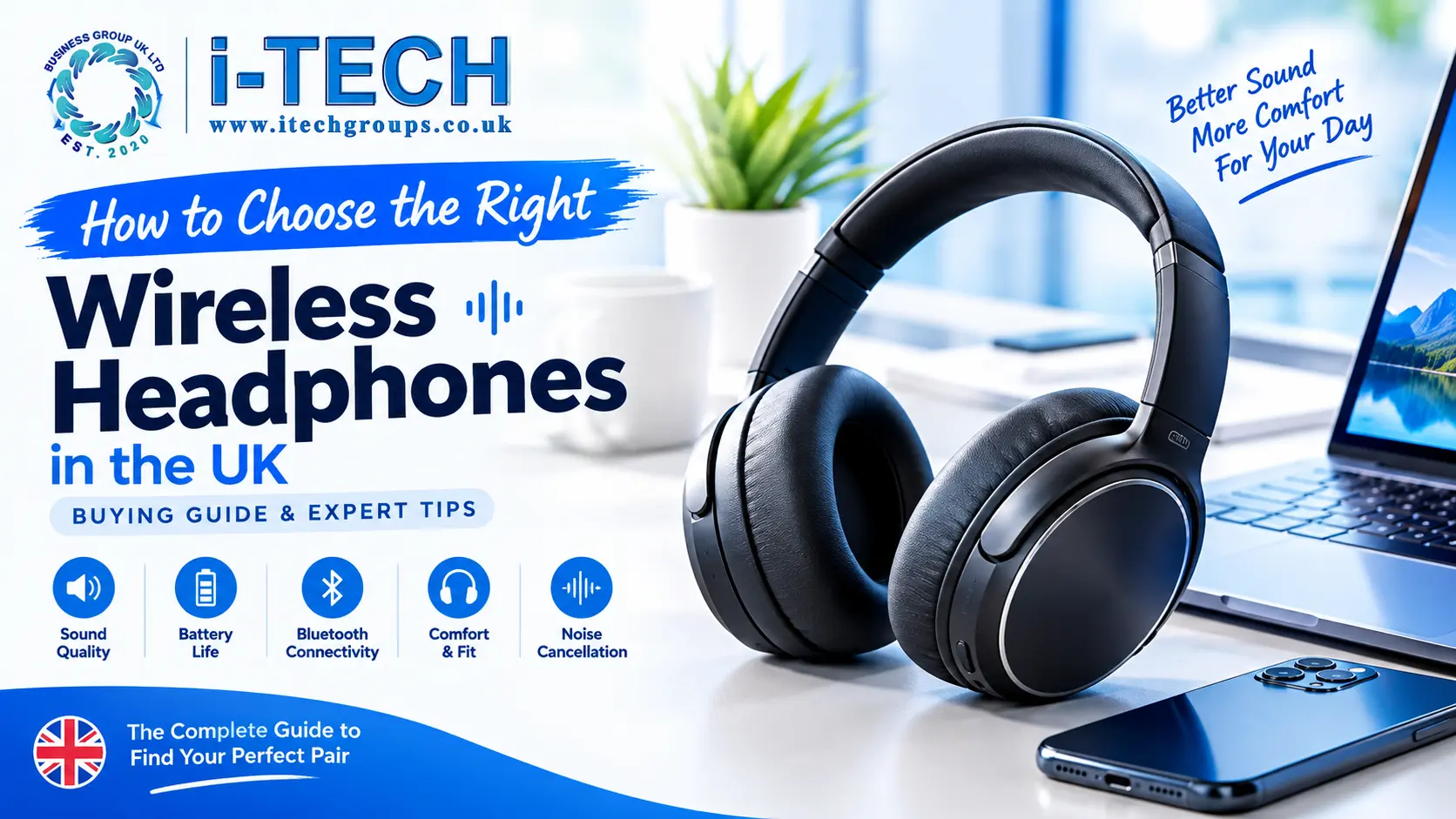
Wireless headphones have become a useful everyday accessory for listening to music, watching films, attending online meetings, gaming and enjoying entertainment while travelling. With so many designs and features available, choosing the right pair can feel confusing.
Some headphones prioritise comfort and battery life, while others focus on portability, gaming or reducing background noise. The best option depends on how you plan to use them, which devices you own and how much you want to spend.
In this guide, we’ll explain how to choose wireless headphones in the UK by comparing headphone styles, sound quality, battery life, Bluetooth connectivity, comfort and other important features.
1. Choose the Right Type of Wireless Headphones
Before comparing technical specifications, decide which headphone design suits your daily routine.
Over ear headphones
Over ear headphones have ear cups that surround your ears. Their larger design can provide a comfortable listening experience, particularly when the ear cushions and headband fit properly.
They are worth considering for working from home, listening to music, watching films and travelling. Some models also offer active noise cancellation to reduce distracting background sounds.
However, over-ear headphones are generally larger than other styles, so consider their weight and portability if you carry them every day.
On ear headphones
On ear headphones rest directly against your ears rather than surrounding them.
They can be lighter and more compact than some over-ear models, making them suitable for people who want a portable listening option.
Comfort varies between designs, so consider the headband pressure and ear-pad materials if you intend to wear them for extended periods.
Wireless earbuds
Wireless earbuds fit inside your ears and are convenient for commuting, travelling and everyday use.
Their compact size makes them easy to carry in a pocket or bag. Many models come with a charging case that provides additional charging opportunities when you’re away from a power source.
Fit is particularly important with earbuds. Check whether the design includes different ear-tip sizes and whether it suits your intended activities.
2. Check Sound Quality Before Buying
Sound quality is one of the most important factors when choosing wireless headphones.
Different headphones can produce different sound profiles. Some emphasise bass, while others aim for a more balanced presentation that works well with a wide variety of music.
Think about what you listen to most often.
If you enjoy bass heavy music, you may prefer headphones with a stronger low frequency response. If you regularly listen to podcasts, audiobooks or spoken content, clear vocals may be a higher priority.
For films and gaming, consider how well the headphones reproduce dialogue and other important audio details.
Remember that a higher price does not automatically guarantee that a pair will sound better to you. Comfort, tuning and personal preference all matter.
3. Understand Bluetooth Connectivity
Wireless headphones typically connect to smartphones, tablets, laptops and other compatible devices using Bluetooth.
Before buying, check that the headphones support the connections and features you need.
Most modern Bluetooth headphones work with a wide range of Bluetooth enabled devices, but certain functions may depend on the phone, computer, operating system or audio application being used.
Bluetooth version and compatibility
Newer Bluetooth versions can offer improvements in areas such as efficiency and connectivity, but the experience depends on the capabilities of both connected devices.
You generally do not need to purchase headphones simply because they advertise the newest Bluetooth version. Instead, consider connection reliability, compatibility and the features that matter for your daily use.
Bluetooth audio codecs
Some headphones support audio codecs such as SBC, AAC, aptX or LDAC.
The available options depend on the headphone model and the connected device. Both devices need to support a compatible codec to use it.
If you are unsure which codec you need, prioritise comfortable headphones with reliable connectivity and sound that you enjoy rather than choosing based on a technical specification alone.
4. Compare Battery Life and Charging
Battery life is particularly important if you use wireless headphones for commuting, studying, work or long journeys.
Manufacturers usually provide an estimated playback time, but actual battery performance can vary according to volume, connectivity, noise cancellation and other features.
Consider how you use your headphones during a normal day.
If you listen for several hours at a time, a model with longer battery life may reduce how frequently you need to recharge it. For occasional listening, a smaller battery capacity may be sufficient.
Check charging requirements
Look at the charging connection and whether a suitable charging cable is supplied.
USB-C is common on modern electronic accessories, but you should check the specifications of the particular model rather than assume every product uses the same connector.
Some headphones also offer quick charging. This can be convenient if you regularly forget to charge your devices before leaving home.
For wireless earbuds, consider the battery life of both the earbuds and their charging case.
5. Decide Whether You Need Noise Cancellation
Noise cancellation can be useful when listening in environments with distracting background sounds.
Active noise cancellation, commonly called ANC, uses microphones and electronic processing to reduce certain external noises. It can be particularly helpful for reducing steady sounds such as transport noise.
However, performance differs between models and ANC does not eliminate every sound.
Noise cancellation versus passive isolation
Passive isolation comes from the physical fit and materials of the headphones. A well fitting pair can reduce some external noise without using electronic noise cancellation.
ANC adds another method of reducing unwanted sounds, but it may increase the price and affect battery life.
If you frequently travel on trains or planes, noise cancellation may be a useful feature. If you mostly listen at home, comfortable headphones without ANC may offer better value for your needs.
Some models also include transparency or ambient sound modes that allow more outside sound to reach your ears. These can be useful when you need to hear announcements or have conversations.
When walking near traffic, keep your surroundings in mind and avoid settings that prevent you from noticing important sounds.
6. Prioritise Comfort and Fit
Even headphones with excellent sound quality can become frustrating if they are uncomfortable.
For over ear and on ear models, consider the headband adjustment, ear cup size, cushioning and overall weight.
For earbuds, check the shape, included ear tips and how securely they fit.
If you intend to use headphones for studying, work or long journeys, comfort deserves as much attention as sound quality.
Where possible, try the headphones before purchasing. If that is not practical, review the product dimensions, design details and return policy.
A comfortable fit can make everyday listening more enjoyable and reduce the likelihood that you stop using a product because it feels unsuitable.
7. Choose Headphones for Gaming, Work or Travel
The right wireless headphones depend on your main activity.
For gaming
Gaming headphones should provide comfortable wear, clear audio and suitable connectivity for your gaming platform.
If you play multiplayer games, look for a reliable microphone and check compatibility with your console, computer or other device.
Some wireless headphones introduce audio delay, so low latency features may be useful for gaming. Check the supported connection method and platform compatibility before buying.
For work and online meetings
If you regularly attend video meetings, prioritise microphone quality, comfort and connection reliability.
Multipoint Bluetooth can also be useful if you need to connect compatible headphones to a laptop and smartphone at the same time.
Check how the headphones handle calls and whether their microphone suits your working environment.
For commuting and travel
For daily travel, portability, battery life and comfort are important.
Foldable over ear headphones may be convenient to store in a bag, while wireless earbuds take up less space.
Noise cancellation may also be useful on public transport. Consider the weight and whether a protective case is included if you travel frequently.
8. Check Microphone Quality and Call Features
Wireless headphones are not only for listening. Many people also use them to answer calls, attend meetings and record voice messages.
If calls are important to you, check whether the headphones include a built in microphone and whether the product description mentions microphone noise reduction.
Remember that microphone performance can vary with background noise, wind and the distance between the microphone and your mouth.
For regular online meetings, prioritise a model designed to handle voice communication well rather than selecting headphones based on music features alone.
9. Consider Water Resistance for Active Use
If you plan to use headphones or earbuds while exercising or walking outdoors, check their water-resistance rating.
Some models are designed to withstand sweat or light splashes, while others are intended mainly for indoor use.
Water resistance does not automatically mean a product is waterproof. Always check the manufacturer’s stated rating and limitations.
Also consider how securely earbuds fit during movement. A secure fit can be important when walking or exercising.
10. Set a Budget and Compare Value
Wireless headphones are available at different price points, so decide on a budget before comparing products.
Rather than paying extra for every available feature, identify the ones you will genuinely use.
For example, someone who listens to podcasts at home may prioritise comfort and clear speech. A frequent traveller may place greater value on battery life and noise cancellation. A gamer may focus on microphone quality and latency.
Compare the product’s features, design, compatibility and warranty information where available.
A suitable pair of headphones should meet your requirements without forcing you to pay for features you do not need.
11. Common Mistakes to Avoid When Buying Wireless Headphones
Avoid choosing headphones based on appearance alone. A stylish design is useful, but comfort, sound and compatibility matter just as much.
Do not assume that every wireless headphone supports active noise cancellation or multipoint connections. Check the specifications of the individual model.
Avoid judging battery life from the advertised number alone. Different settings and listening habits can affect real world performance.
Do not overlook device compatibility, particularly if you plan to use the headphones with a gaming console, laptop or television.
Finally, remember that expensive headphones are not necessarily the best choice for everyone. Select a pair based on your own priorities.
12. Wireless Headphones Buying Checklist
Before placing your order, use this checklist:
- Choose over ear, on ear or earbud design.
- Check sound quality and your preferred listening style.
- Confirm Bluetooth compatibility with your devices.
- Compare battery life and charging requirements.
- Decide whether active noise cancellation is necessary.
- Check comfort, weight and fit.
- Look for a suitable microphone if you make calls.
- Confirm gaming compatibility if required.
- Check water resistance for exercise or outdoor use.
- Compare price, included accessories and warranty information.
Frequently Asked Questions
Are wireless headphones worth buying?
Wireless headphones can be convenient if you want to listen without managing a cable. They are useful for commuting, work, entertainment and everyday listening. The value depends on your budget and the features you need.
How do I choose wireless headphones for my phone?
Check that the headphones support Bluetooth and are compatible with your phone. Then compare comfort, battery life, sound quality and any additional features you want.
Are over ear headphones better than earbuds?
Neither option is best for everyone. Over ear headphones can offer a comfortable, immersive listening experience, while earbuds are compact and convenient to carry. Your preferred fit and daily routine should guide your choice.
Do wireless headphones need charging?
Yes. Most wireless headphones contain rechargeable batteries. Battery life and charging requirements vary by model, so check the manufacturer’s specifications before purchasing.
Is noise cancellation necessary?
No. Noise cancellation is helpful in some environments, particularly during travel or in busy spaces, but it is not essential for everyone. A comfortable pair without ANC may be suitable for everyday home use.
Can wireless headphones connect to a laptop?
Most Bluetooth headphones can connect to compatible laptops. The available features depend on the computer, operating system and headphone model.
How can I make my wireless headphones last longer?
Follow the manufacturer’s charging and storage instructions, keep the headphones clean, avoid exposure to moisture beyond their stated rating and store them safely when not in use.
Final Thoughts
Choosing the right wireless headphones in the UK becomes easier when you focus on how you will use them.
Consider the headphone style, sound quality, comfort, battery life, connectivity and features that matter most to you. Whether you need headphones for work, travel, gaming or relaxing with music, comparing these factors can help you find a suitable option.
Explore the available headphones at i-Tech Groups UK to compare different styles and find an option that suits your everyday listening needs.
You can also browse the wider i-Tech Groups UK store for electronic gadgets and accessories.